Use the Pre-filled Link:
Click on this link to start the process: Add Gen AI at Work Foundation Program Certification to LinkedIn
Log into LinkedIn if prompted.
Review and Save the Pre-filled Information:
- Name: Gen AI at Work Foundation Program
- Issuing Organisation: BRAWT Company
- Issue Date: August 2024 (adjust if needed)
- Credential URL: https://brawt.com.au/gen-ai-at-work-foundation-program/
- Credential ID: BRAWT2025FP
- Expiration: This credential does not expire – you do not need to add a date
DO NOT Click “Save” to add the certification to your profile yet – scroll down first (go to step 4)

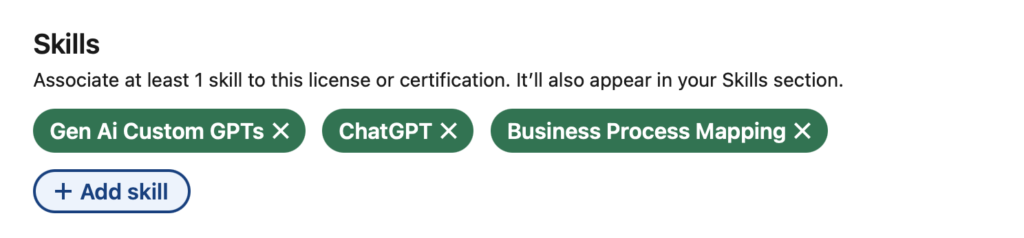
Add Skills:
- Add relevant skills such as “Generative AI”, “Gen Ai in Business”, “Custom GPTs”
Add Media:
- Scroll down to “Media” and click “Add media”.
- Upload your certification badge
- download your CERTIFICATION BADGE HERE
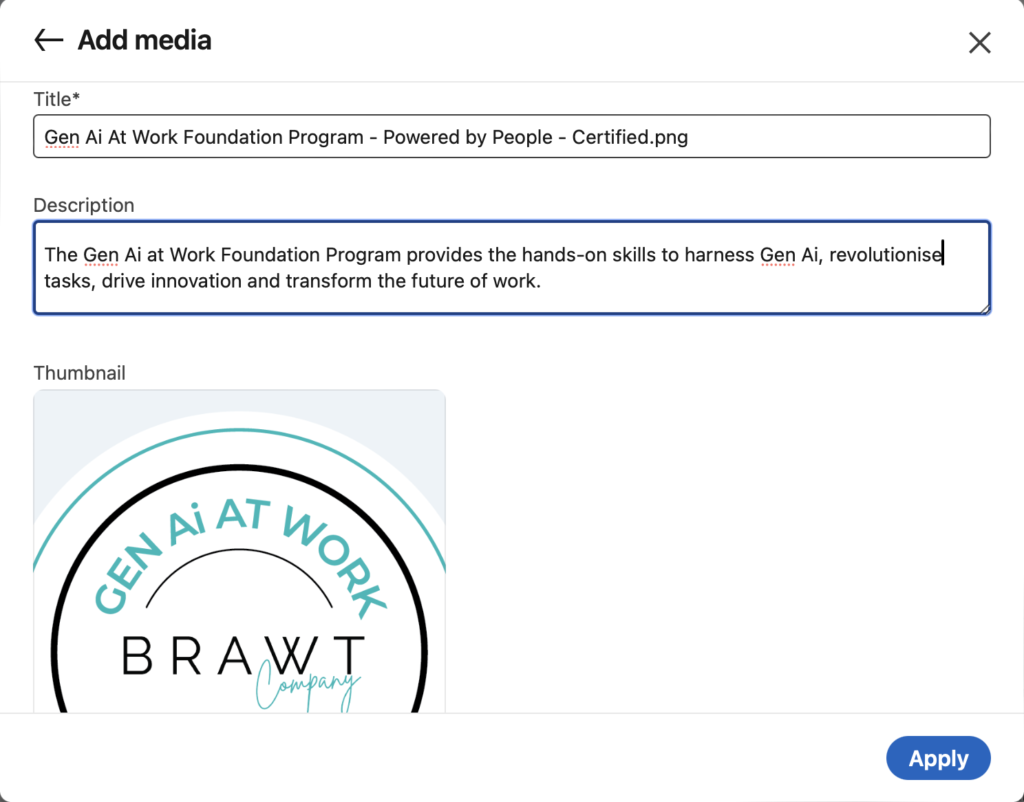
Add a Description:
- While still editing the certification, find the “Description” field.
- Add a description such as: Completed the Gen AI at Work Foundation Program, gaining comprehensive knowledge in applying generative AI technologies in the workplace. This program covered key concepts, practical applications, and strategies for integrating AI into business processes.
- I used: Gen Ai At Work Foundation Program is the most practical Gen AI program that takes you from discovering Gen Ai possibilities to creating custom GPTs, achieving significant productivity improvements. The Gen AI at Work Foundation Program equips everyone with hands-on skills to harness Gen AI, revolutionise daily tasks, drive innovation and transform the future of work.
- Click “Save” to update the certification with the description.
Share Your Certification:
- After adding the certification, LinkedIn will prompt you to share it with your network.
- Click “Share” to create a post.
- In the post creation window, write a message about your achievement.
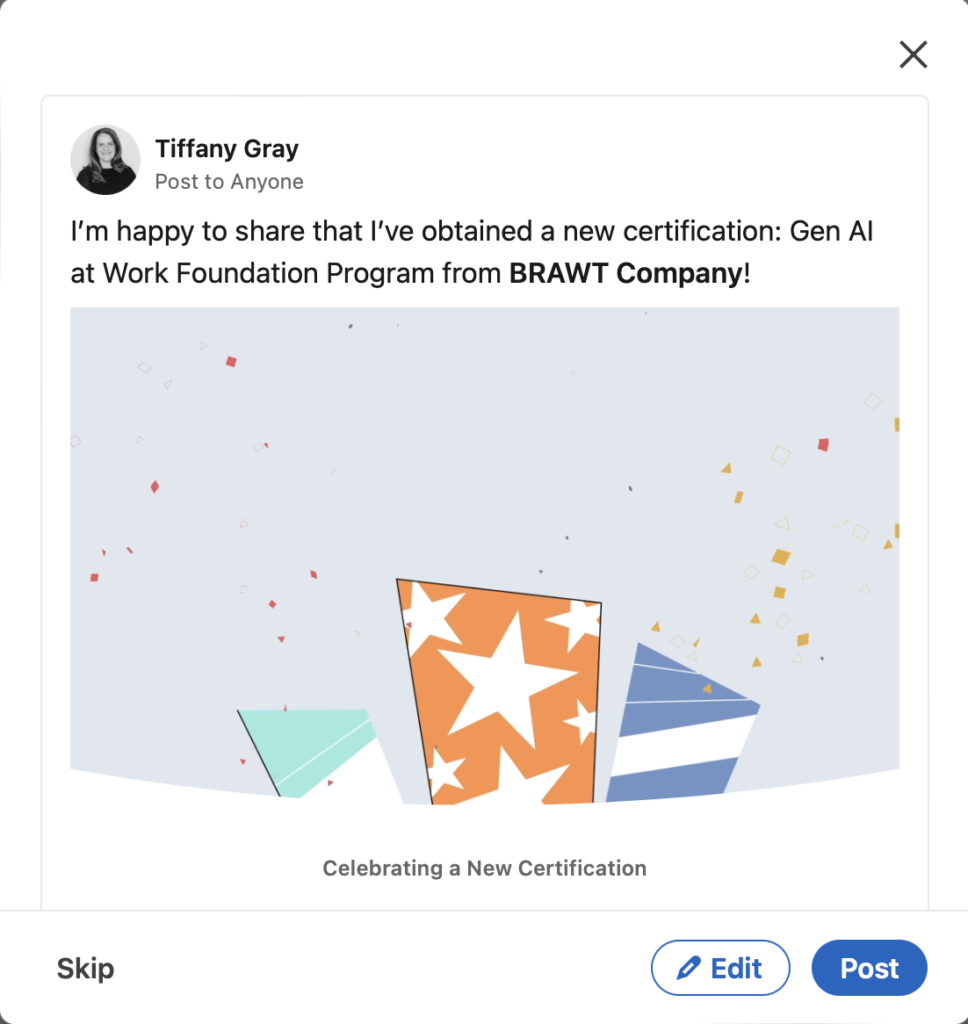
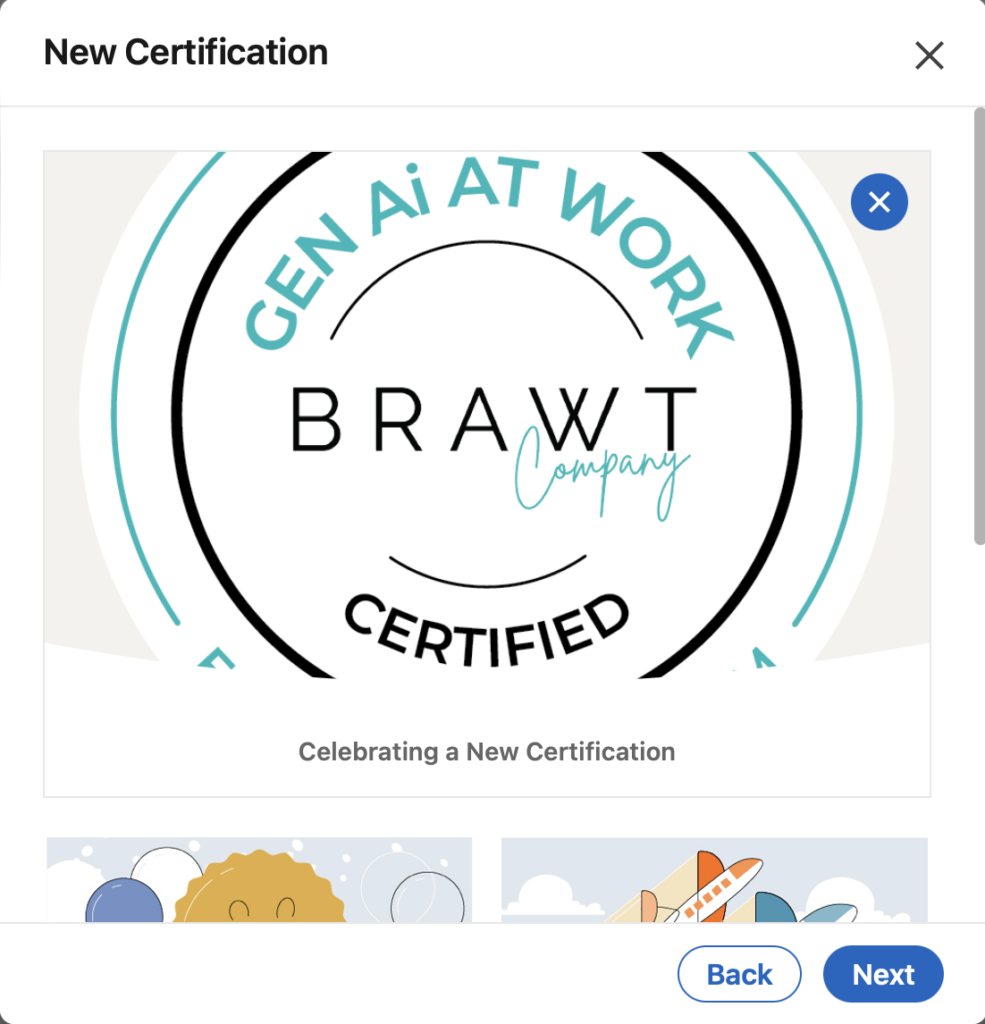
- To change the image, click on the pre-filled image.
- Click “Change” and upload your certification badge image.
- Add relevant hashtags like #GenAIatWork #ProfessionalDevelopment #BRAWTCompany
- Review your post and click “Post” to share it with your network.
Verify Your Profile:
- Go to your LinkedIn profile and scroll down to the “Licenses & Certifications” section to confirm that your new certification appears with all the correct details.
Congratulations on adding your “Gen AI at Work Foundation Program” certification to your LinkedIn profile! This will enhance your professional credentials and showcase your expertise in generative AI technologies!